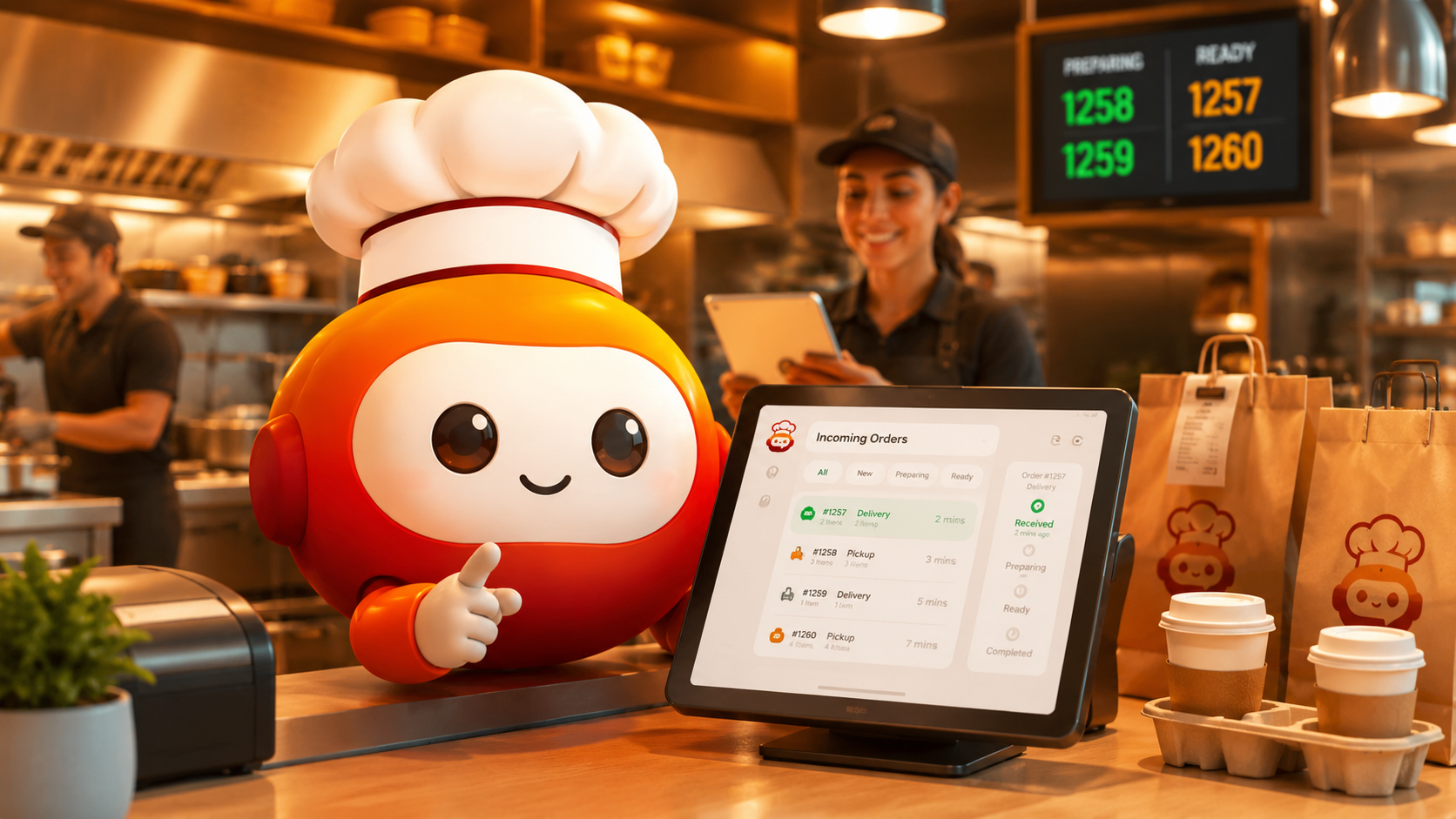
Order automation with chatbots turns customer conversations into connected business processes. A customer can browse products, ask questions, place an order, provide delivery information, and receive updates while the chatbot communicates with inventory, ecommerce, POS, CRM, ERP, payment, or logistics systems through APIs.
Unlike a basic FAQ bot, an integrated chatbot can retrieve business data and execute authorized actions.
Discover Waibot: a conversational automation platform that can help businesses automate orders, customer service, product inquiries, shipment tracking, digital menus, and reservations. It can connect with platforms such as Uber Eats, DoorDash, Shopify, CRM systems, ERP platforms, POS software, and proprietary systems through APIs.
What Is Order Automation?
Order automation is the use of software to receive, validate, register, process, and track an order with minimal manual intervention.
When a chatbot manages the process, the interaction takes place through familiar channels such as WhatsApp, Instagram, Facebook Messenger, Telegram, or a company website.
The chatbot guides the user through the required steps and collects information such as:
- Products or services
- Quantities
- Delivery or pickup preferences
- Customer details
- Payment method
- Billing information
- Special instructions
A connected chatbot can then send the information to the appropriate business system.
How Order Automation Works with a Chatbot
Order automation starts when a customer sends a message. The chatbot identifies the request, asks for missing information, and queries connected systems.
| Stage | Chatbot Action | Connected System |
|---|---|---|
| Product inquiry | Displays products, menus, or services | Ecommerce, POS, or database |
| Validation | Checks availability, location, and business rules | Inventory or ERP |
| Order creation | Registers the customer and order | POS, CRM, ERP, or delivery platform |
| Payment | Provides a payment link or checks payment status | Payment gateway |
| Tracking | Reports preparation, shipment, or delivery status | Logistics or order system |
| Exception handling | Transfers the conversation with context | Human agent or support desk |
The official WhatsApp Business Platform webhook documentation explains how external systems can receive messaging events.
For ecommerce workflows, Shopify webhooks can notify connected applications when specific events occur. The Uber Eats Order API documentation describes how authorized integrations can exchange order information with restaurant systems.
Benefits of Order Automation
A properly implemented order automation workflow can help businesses:
- Respond immediately across messaging channels.
- Reduce repetitive data entry.
- Prevent incomplete or duplicated orders.
- Check current information in connected systems.
- Process a higher volume of conversations.
- Provide automatic order and delivery updates.
- Maintain a record of customer interactions.
- Escalate complex situations to human agents.
The main advantage is convenience. Customers can complete a process through a guided conversation instead of navigating multiple pages or contacting different departments.
Practical Use Cases
Restaurants and Food Chains
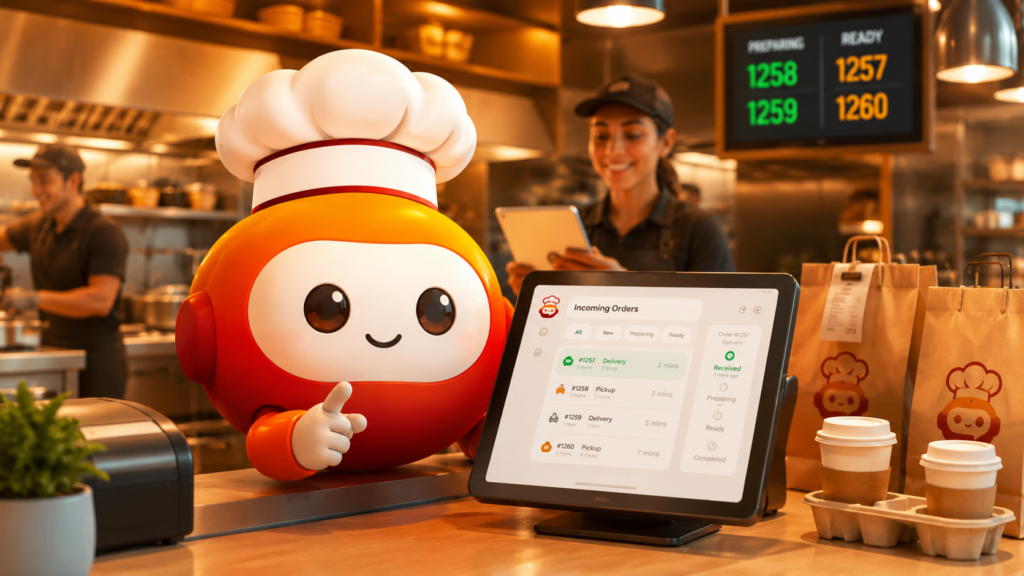
For restaurants, order automation can allow a chatbot to display a digital menu, collect product modifiers, validate the nearest location, register an address, and send the order to a POS or internal system.
The bot can also report whether the order has been accepted, is being prepared, or is ready for pickup or delivery.
Ecommerce and Retail
A customer can ask about a product, check availability, compare options, and receive assistance during the purchase process.
Waibot can connect the conversation with platforms such as Shopify, CRM software, inventory databases, or ERP systems when compatible APIs are available.
Logistics
A customer can provide an order number or tracking code. The chatbot queries the connected logistics system and returns the latest available status.
This reduces the number of repetitive tracking inquiries handled by customer service teams.
B2B Sales
A chatbot can collect product codes, quantities, customer details, and delivery requirements to create an order request or quotation.
More complex requests can be transferred to a sales representative with the conversation context already captured.
What Can Be Automated?
In addition to creating orders, order automation through a conversational platform can support:
- Inventory and catalog inquiries
- Digital menu consultation
- Reservation confirmations
- Payment links and payment-status checks
- Shipping and package tracking
- Customer data retrieval from a CRM
- Ticket assignment
- Automated notifications
- Reminders and follow-ups
- Surveys and customer feedback
- Human-agent escalation
- Authorized actions through APIs
Waibot acts as the conversational layer, while the connected business systems remain responsible for operational data and transactions.
Best Practices
A successful order automation project should begin with a clearly documented process.
Businesses should define which system is the primary source for inventory, pricing, customer information, and order status.
Recommended practices include:
- Keep messages and options clear.
- Confirm products, quantities, prices, and addresses before creating an order.
- Define rules for unavailable products, cancellations, refunds, and failed payments.
- Protect API credentials and validate incoming webhook requests.
- Maintain logs of conversations and automated actions.
- Provide a clear path to a human agent.
- Test the workflow with real users before a large rollout.
- Monitor API errors, response times, and abandoned conversations.
Common Mistakes
A frequent order automation mistake is deploying a chatbot that communicates well but is not connected to current inventory, prices, or operational systems.
Other common problems include:
- Asking for too much information at the beginning.
- Creating an order without final confirmation.
- Hiding the option to speak with a person.
- Ignoring out-of-stock scenarios.
- Automating exceptions that require human judgment.
- Failing to monitor API and webhook errors.
- Providing information that is not synchronized with business systems.
A chatbot should not pretend to complete an action when the connected platform has not confirmed it.
Frequently Asked Questions
Can a chatbot receive complete orders through WhatsApp?
Yes. A chatbot can collect products, quantities, addresses, and customer information. Registering the order in another platform requires an authorized integration with the relevant API or system.
Does order automation replace customer service teams?
Not necessarily. It handles repetitive and structured requests, while human agents remain available for exceptions, complaints, negotiations, and complex situations.
Can Waibot connect with POS, CRM, or ERP software?
It can connect with compatible systems through APIs, webhooks, SDKs, or custom integration mechanisms.
Can a chatbot check inventory in real time?
It can retrieve the information available in the connected inventory system. Accuracy depends on the quality and synchronization of the source data.
What happens when the chatbot does not understand a request?
The workflow should ask for clarification, offer predefined options, or transfer the conversation to a human agent with the available context.
Conclusion
Order automation with chatbots allows businesses to transform WhatsApp, social media, and websites into operational channels connected to sales, inventory, payments, and logistics.
Its value goes beyond answering questions. A properly integrated chatbot can retrieve information, register requests, trigger actions, provide updates, and transfer complex cases to employees.
Waibot can serve as the conversational interface between customers and systems such as POS, CRM, ERP, ecommerce, delivery, and logistics platforms.
External Links:
- loyalty program for restaurants: 2026 guide – AppsCamelot — Apps Camelot guide covering automation, direct orders, loyalty flows, and restaurant systems.
- Chatbot with WhatsApp: Automate Business Conversations in 2026 — WaiBot resource about using chatbots to process orders, catalogs, payments, and customer conversations.
- Ecommerce Fulfillment: Guide to Designing and Optimizing an Order Fulfillment System That Scales — Practical guide to fulfillment workflows, logistics, inventory, and order operations.
- Optimize your ecommerce fulfillment with a third-party logistics provider — Amazon Supply Chain guide on improving the end-to-end order fulfillment process.
- The Complete Ecommerce Fulfillment Guide for 2026 — Detailed resource on fulfillment strategy, operations, SLAs, and delivery accuracy.
 Talk to Mari, the virtual teaching assistant



No Responses